
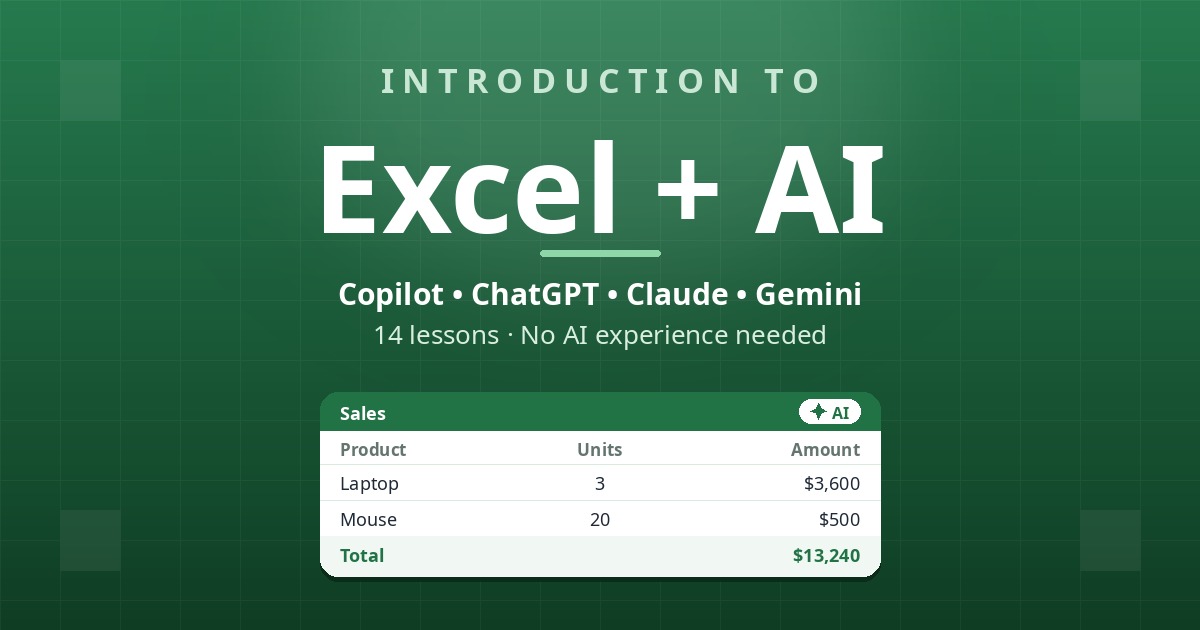
Introduction to Excel + AI

Categories: AI, Excel
Wishlist Share

About Course

Work faster in Excel with AI. In 14 short lessons you’ll use Copilot, ChatGPT, Claude, and Gemini to write formulas in plain English, clean messy data, build pivot tables and monthly reports, fix broken formulas, and automate the boring parts — with one real sales table used in every lesson. Each lesson has slides with narration, a hands-on demo, and a short quiz. No AI experience needed, just basic Excel. Lessons 1–3 free.

What Will You Learn?

  • What AI can do inside a spreadsheet — and which tool fits you: Copilot, ChatGPT, Claude, or Gemini
  • Where Copilot lives in Excel now, which license you need, and the AI-credits limit on personal plans
  • How to write a good prompt in plain English — and the one-topic-per-chat habit that keeps answers clean
  • How to get AI to write working formulas (SUMIFS, SUMIF, COUNTIF, XLOOKUP) from a plain-English description
  • How to check AI's work: the three most common mistakes and a 60-second verification routine
  • How to clean messy data with Flash Fill and remove duplicates without deleting real data
  • How to build a pivot table and chart from a plain-English prompt — in Copilot or with ChatGPT/Claude steps
  • How to fix broken formulas: reading #N/A and #VALUE!, and the text-vs-number trap
  • How to turn raw rows into a readable month-end report and automate repetitive tasks with Office Scripts
  • What never to paste into AI, and how to finish a small sales dashboard in the two-part capstone

Course Content

Lesson 1: Welcome: AI Meets Excel
Welcome: AI Meets Excel

  • Lesson 1 Interactive Demo
  • Lesson 1 Quiz: Welcome: AI Meets Excel
  • Welcome: AI Meets Excel

Lesson 2: Meet the AI Tools
Meet the AI Tools

Lesson 3: Your First Prompt
Your First Prompt

Lesson 4: AI Writes Your Formulas
AI Writes Your Formulas

Lesson 5: Read It Before You Trust It
Read It Before You Trust It

Lesson 6: Cleaning Messy Data
Cleaning Messy Data

Lesson 7: Instant Analysis
Instant Analysis

Lesson 8: Side by Side: ChatGPT and Claude
Side by Side: ChatGPT and Claude

Lesson 9: Fixing Broken Formulas
Fixing Broken Formulas

Lesson 10: Monthly Reports in Minutes
Monthly Reports in Minutes

Lesson 11: Automating Repetition
Automating Repetition

Lesson 12: Limits and Gotchas
Limits and Gotchas

Lesson 13: Capstone, Part 1: Your Sales Dashboard
Capstone, Part 1: Your Sales Dashboard

Lesson 14: Capstone, Part 2: Finish and What’s Next
Capstone, Part 2: Finish and What's Next

Student Ratings & Reviews

No Review Yet
No Review Yet